
MTG Price Tracking: How to Watch Card Values and Set Alerts
July 29, 2026
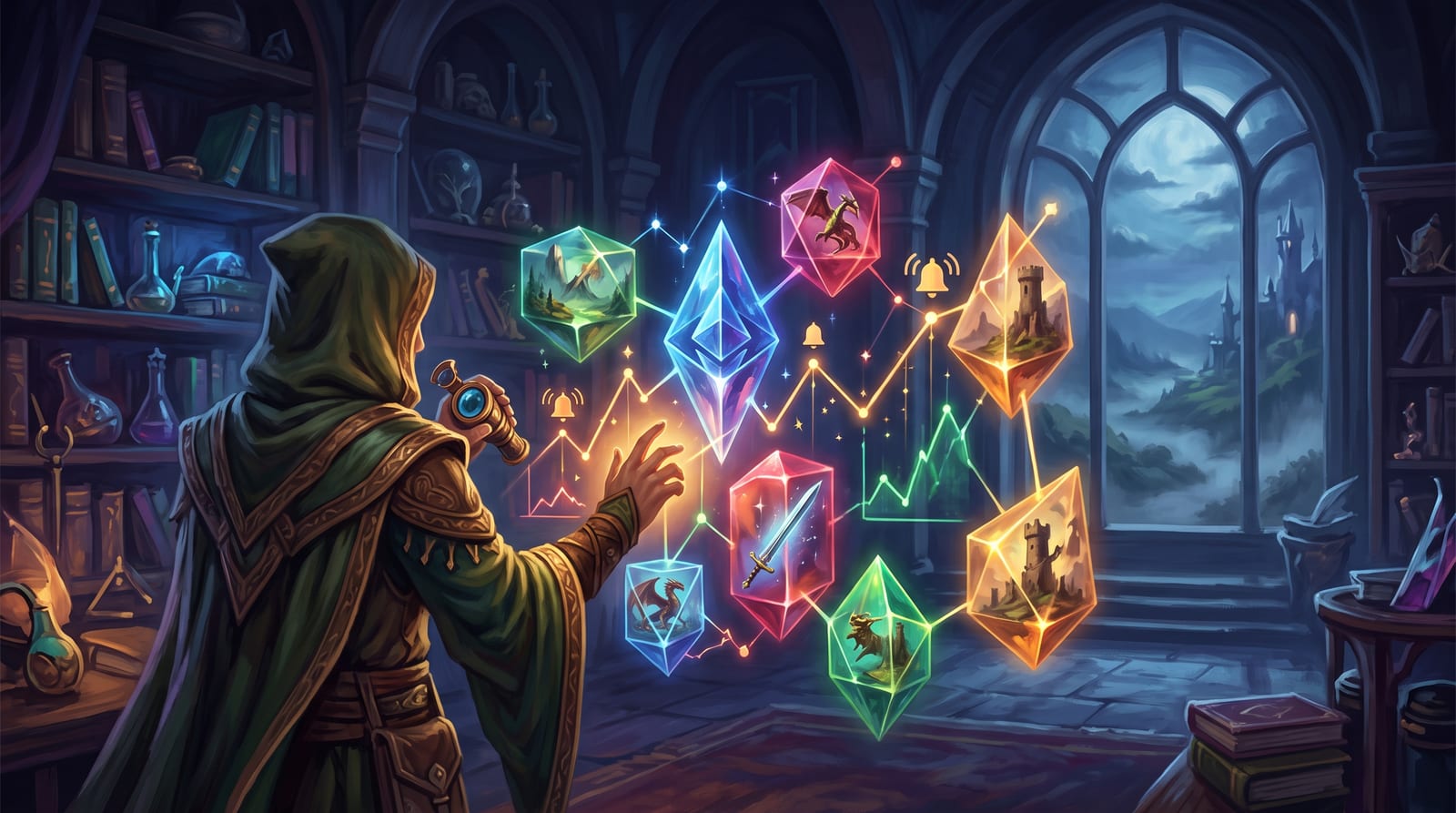
MTG price tracking means more than checking a card's price on one storefront right before you buy. Real tracking pulls numbers from more than one marketplace, follows how those numbers move over time, and tells you when something you care about changes, without you having to go looking for it. Here's how to set that up, step by step.
Why MTG price tracking matters
Prices move for reasons that have nothing to do with a card getting better or worse at what it does. A reprint in a Commander precon or a Secret Lair can push supply up and price down within a week. A ban or unban announcement on Wizards' Banned and Restricted list can move a card's price overnight. A new set often revives an old staple that suddenly has a home in a fresh archetype, and rising EDHREC inclusion numbers usually show up in the price a few weeks later. None of this is random. It just isn't visible unless you're watching for it.
Step 1: get your collection into one list
You can't track what you haven't catalogued. Before alerts and price history mean anything, get your cards into a single digital list, ideally one built from a camera scan rather than typed in by hand, since a misspelled card name quietly breaks price lookups. Printing and condition matter here too. The same card name can span a dozen printings with very different values, so whatever you use needs to know which exact one you own, not just the name. If your binder is still analog, the guide to organizing an MTG collection covers the fastest way to get from shoebox to searchable list.
Step 2: pull prices from more than one marketplace
A single price is a guess. Two or three prices from different marketplaces start to look like an actual market. The three you'll run into most often behave differently, and it helps to know why before you compare numbers side by side.
| Marketplace | Currency / region | What the number usually reflects |
|---|---|---|
| TCGPlayer | USD, US-centric | Market price: a weighted average of recently completed sales, recalculated as new transactions come in. |
| Cardmarket | EUR, EU-centric | Trend price: a rolling average built from recent listings, tracked over 1, 7, and 30-day windows. |
| CardTrader | EUR, EU-centric | Low price aggregated across many independent sellers, useful as a floor estimate. |
Seeing a noticeably different price for the same printing on TCGPlayer versus Cardmarket isn't an error. They're sampling different regional markets, in different currencies, with different supply and shipping costs baked in. Grimoria pulls all three and shows them side by side instead of picking one for you. You can see exactly how the price sources and currency settings work if you want to change your default.
Step 3: set alerts instead of checking by hand
Refreshing a marketplace tab every day doesn't scale past a handful of cards, and it's usually the reason people quit tracking prices within a month. The fix is to flip the workflow around: put the cards you're watching on a wishlist, set a target price or a spike notification, and let the alert come to you. Grimoria's wishlist price alerts handle exactly this. Set one when you're waiting for a card to drop into budget before a Commander build, or when you want to know the moment something you already own jumps in value.
Step 4: track your whole collection's value, not just one card
Single-card alerts are useful, but the bigger picture is your total collection value moving over time. A running value chart shows whether your binder is worth more or less than what you paid for it, which cards are carrying most of that value, and which ones just spiked and might be worth selling before the price cools off. This is where cost basis earns its keep. Knowing what you paid, not just what a card is worth today, is the only way to tell a real gain from a market-wide bump that lifted every card in the set at once. A running history means you're not rebuilding that picture from memory every time someone asks what your binder is worth.
How often the price data actually refreshes
This is the part most price trackers gloss over. TCGPlayer's market price recalculates continuously as sales complete, but most third-party tools, including Scryfall's own price data, sync from the marketplaces roughly once every 24 hours and treat anything older as stale. In practice, daily and weekly trends are what you should trust. A single day's swing might just be one outlier sale; a card that's climbed steadily over two or three weeks is telling you something real. Don't expect any tracker to catch a price the second it changes. Expect it to catch the trend.
A five-minute weekly price check
You don't need to check prices daily to stay on top of them. A short weekly pass covers almost everything that matters:
- Glance at your collection's value trend line for anything moving faster than the rest of the market.
- Clear out any triggered alerts and decide whether to act on them or reset the target.
- Scan your wishlist for cards that dropped into your budget range.
- Check whether any card you own spiked, and whether that's a reason to sell or just noise.
- Before listing anything for sale, compare at least two marketplaces so you're not underselling a card that's worth more elsewhere.
That's the whole routine. It takes longer to read than it does to run.
Frequently asked questions
How often do MTG card prices update?
Most tracking tools, including Scryfall's price data, sync from TCGPlayer and Cardmarket roughly once every 24 hours and treat anything older as stale. TCGPlayer's own market price recalculates continuously as sales complete, but the snapshots you see in most apps refresh daily. Treat single-day swings with caution and trust trends that hold for several days instead.
Why do TCGPlayer and Cardmarket show different prices for the same card?
They're sampling different markets, not disagreeing about the same one. TCGPlayer's market price averages recent completed sales in a largely US marketplace, while Cardmarket's trend price averages recent listings in a largely European one. Currency, regional supply, and shipping costs all push the two numbers apart, so a gap between them is normal rather than a sign that either price is wrong.
What's the fastest way to get alerted when a card's price drops?
Add the card to a wishlist with a target price instead of checking it manually. Most collection apps, Grimoria included, will notify you once the price crosses that threshold, which saves you from refreshing a marketplace page every day waiting for a card to become affordable.
What actually causes a Magic card's price to spike or crash?
Reprints and Secret Lair drops usually push prices down by increasing supply. Bans, unbans, and new synergy cards from a fresh set can push prices up fast, especially for Commander staples. Tournament results and rising EDHREC inclusion tend to move prices more slowly, over weeks rather than days.
Is there a free way to track MTG card prices?
Yes. Several apps, including Grimoria, track multi-marketplace prices, price history, and collection value at no cost, funded by affiliate links to marketplaces instead of subscriptions. You don't need to pay to get real alerts and a running value chart, though some tools reserve extras like SMS alerts for premium tiers.
If you'd rather have all four steps living in one place than four browser tabs, Grimoria pulls prices from TCGPlayer, Cardmarket, and CardTrader, tracks your collection's value over time, and lets you set alerts on anything in your wishlist, for free. Get the app and scan your first binder in a few minutes to see where you actually stand.